Users must have Account and Edit property settings permissions to customize the cards.
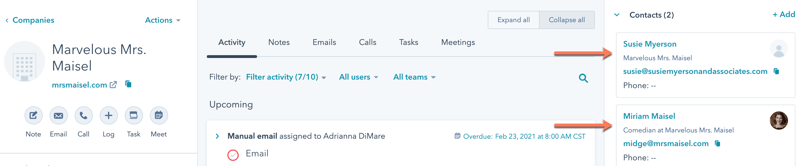
-
In your HubSpot account, click the settings settings icon in the main navigation bar.
-
In the left sidebar menu, navigate to Objects, then select the object you’d like to edit the association card for.
-
Click the Record customization tab.
-
Click Customize [object] association cards.
-
In the right panel, you can preview how the card will appear on associated records.
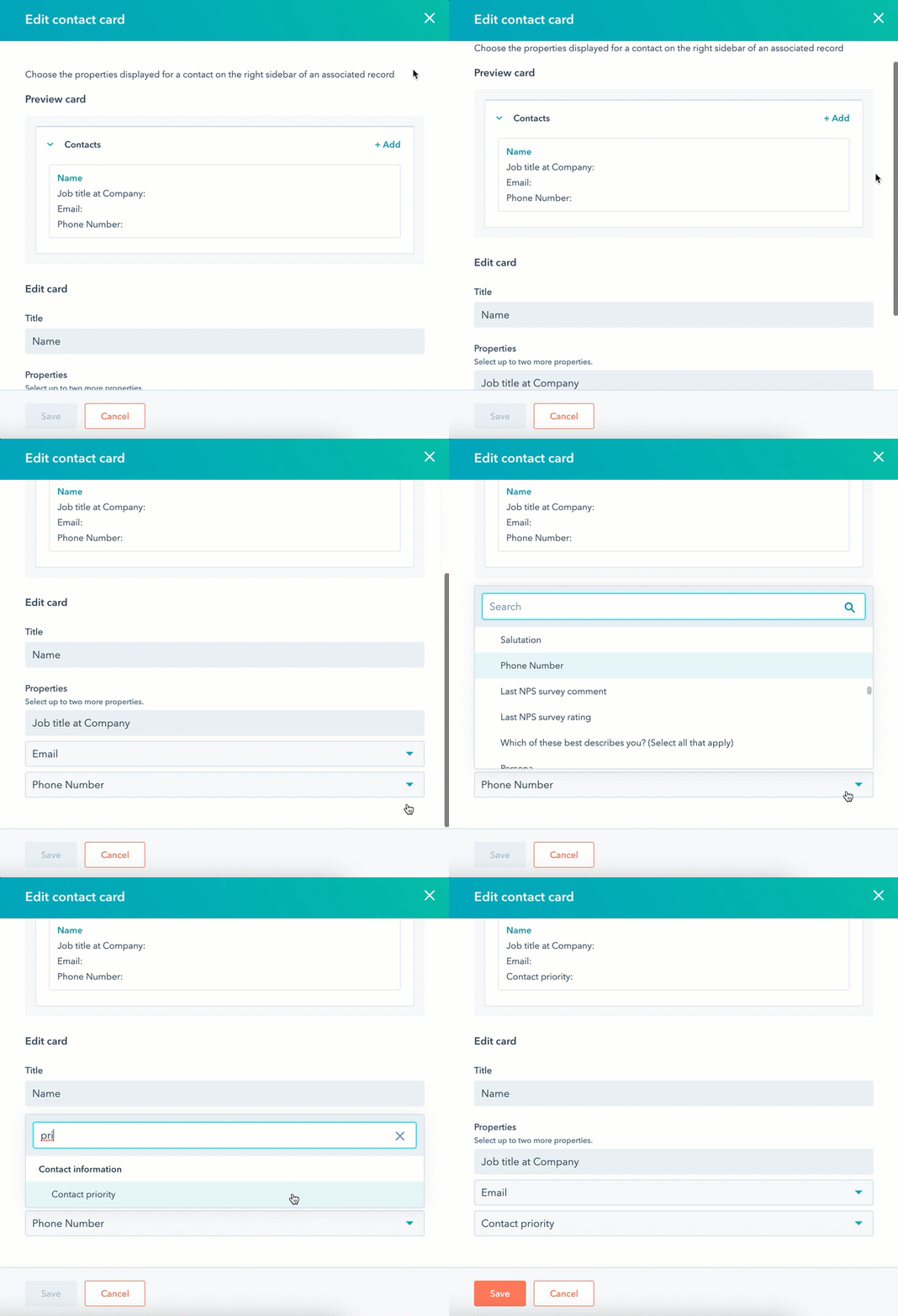
- To choose which properties are displayed, click the Properties dropdown menus, then select the properties.
-
Click Save.
For additional record customization, learn how to set up default properties sidebars and customize the properties shown on records in board view.